
SharpHound.exe
Compiled .NET binary
- Run from cmd or PowerShell
- Full flag set (
-c,-d,--stealth…) - Easiest to hash and allow-list
- Best for scheduled audits
SharpHound is an advanced Active Directory reconnaissance utility engineered to enumerate identity relationships, privileged access structures, domain trust configurations, and security dependencies. Its integration with BloodHound enables sophisticated attack path analysis, privilege escalation assessments, and comprehensive enterprise security evaluations.
Source ZIP · Build required · For authorized assessments
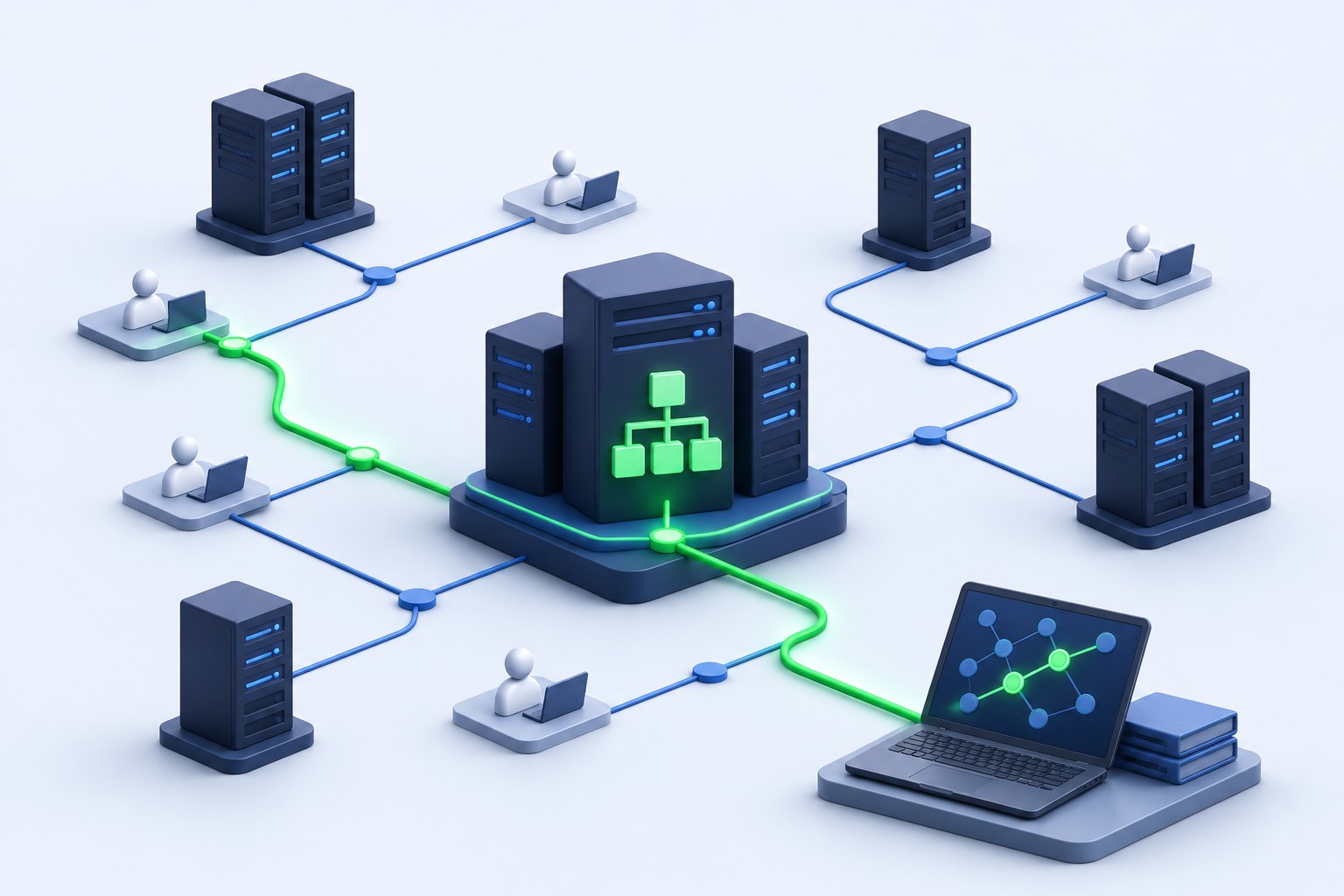
The SharpHound collector gathers the relationships that matter in Active Directory and turns them into nodes and edges.
Nested group membership for every user and computer, so you can see who effectively holds Domain Admin rights.
Where privileged accounts are logged in — the data behind the HasSession edges that make credential paths visible.
Dangerous rights such as GenericAll, WriteDacl, WriteOwner and ForceChangePassword on users, groups and GPOs.
Domain and forest trusts, OU structure and GPO links that decide how policy and access flow.
SharpHound CE adds certificate authorities and templates so ESC-style certificate abuse paths appear in the graph.
SharpHound runs in a predictable pipeline. Knowing each stage helps you pick methods and explain the traffic to your security team.
Pulls users, groups, computers, ACLs and trusts from a domain controller.
Optionally checks sessions and local groups on reachable computers.
Resolves SIDs and names, storing lookups in a cache file for speed.
Saves one JSON per object type and compresses them into a single zip.
Upload the zip to BloodHound CE and start querying paths.
Download SharpHound CE from the official SpecterOps repository. The archive contains the full 2.X source, including the projects that build SharpHound.exe and the PowerShell collector, ready to compile in Visual Studio.
Always take SharpHound from the SpecterOps organisation on GitHub. Re-uploaded binaries on file-sharing sites can be tampered with.
Prepare the collector on your approved Windows host, then configure your collection with the command builder below.
Save the 2.X zip and extract it to a working folder on an approved Windows host.
Open the solution in Visual Studio and build in Release mode to produce SharpHound.exe.
Run the command from the builder below, then upload the zip in BloodHound CE's File Ingest page.
Select collection methods, define your target and output settings, then copy the command for your approved assessment.
Use -c (or -CollectionMethods) with one or more methods. DCOnly keeps traffic to domain controllers; All runs everything below.
| Method | What it collects | Protocol | In Default |
|---|---|---|---|
| Group | Group memberships for users, computers and nested groups | LDAP | ✓ Yes |
| ACL | Access control entries on AD objects (GenericAll, WriteDacl, ForceChangePassword…) | LDAP | ✓ Yes |
| ObjectProps | Object properties such as last logon, password last set, descriptions, SPNs | LDAP | ✓ Yes |
| Trusts | Domain and forest trust relationships and their direction | LDAP | ✓ Yes |
| Container | OU and container structure plus GPO links | LDAP | ✓ Yes |
| SPNTargets | Service principal names mapped to the hosts they point at | LDAP | ✓ Yes |
| CertServices | AD CS enterprise CAs, certificate templates and their permissions | LDAP | ✓ Yes |
| Session | Which users have active sessions on which computers | SMB / RPC | ✓ Yes |
| LocalAdmin | Members of the local Administrators group on each computer | SAMR | ✓ Yes |
| RDP | Members of Remote Desktop Users on each computer | SAMR | ✓ Yes |
| DCOM | Members of Distributed COM Users on each computer | SAMR | ✓ Yes |
| PSRemote | Members of Remote Management Users on each computer | SAMR | ✓ Yes |
| LoggedOn | Logged-on users via privileged APIs and remote registry (needs admin) | RPC / Registry | — |
| GPOLocalGroup | Local group membership defined by Group Policy (no host contact) | LDAP / SMB | — |
| UserRights | User rights assignments such as SeRemoteInteractiveLogonRight | LSA RPC | — |
| CARegistry | Enterprise CA registry settings (e.g. enrollment agent restrictions) | Registry | — |
| DCRegistry | Domain controller registry values relevant to certificate mapping | Registry | — |
| WebClientService | Whether the WebClient service is running on hosts | SMB | — |
| SmbInfo | SMB signing configuration of computers | SMB | — |
| NTLMRegistry | NTLM-related registry settings on computers | Registry | — |
Read the full collector guide
Same engine, different packaging. Here's how to choose the one that fits your environment.
-c, -d, --stealth…)Invoke-BloodHound cmdletDefenders run SharpHound to find and close attack paths before attackers do. Only collect data from domains you own or have written authorization to assess, and tell your SOC before you start.
Turn collection into a clear security decision. Follow three practical steps to gather useful evidence, understand its limits and confirm that your remediation work delivers the intended result.
Record your assessment goals, approved domains, collection account and testing window. Choose a compatible collector version and methods that match the evidence you need. Agree on excluded systems, responsible owners and a secure output location before collection begins.
Check collection logs for permission failures, unreachable hosts and coverage gaps before interpreting results. Confirm unexpected relationships with system owners, separate missing data from verified findings and prioritize proposed changes according to business impact and the importance of affected systems.
After remediation, repeat the relevant collection with comparable settings. Document what changed, confirm the intended access relationships were removed and record any unresolved limitations. Keep the evidence available for reviewers while following your organization’s approved access and retention policies.
Keep every assessment repeatable: save the collector version, collection settings and review notes alongside your results, and schedule your next review.
Explore collection methodsQuick answers about downloading, running and choosing a SharpHound collector.
SharpHound gathers Active Directory relationships and selected information from Windows hosts for analysis in BloodHound. Collection results depend on the methods you select, the permissions of your account and the systems reachable during your approved assessment window.
Use the SpecterOps SharpHound repository or the collector download offered by your BloodHound installation. Record the version and source of the package you obtain, and review its documentation before introducing the collector into an approved assessment environment.
Check the collector version recommended by your deployed BloodHound instance before downloading or building SharpHound. Keep that version in your assessment records so another analyst can reproduce the collection and investigate any compatibility issues during the import process.
The homepage download provides a source archive, which requires a build before you can run the executable. If you need a compiled collector, review the official release assets or use the compatible download available through your BloodHound installation.
SharpHound is open source under the licence published in its official repository. Review that licence when redistributing or modifying the project, and distinguish the collector licence from any separate products or services your organization uses for analysis and reporting.
Record the approved scope, collection account, chosen methods, collector version and planned assessment window. Add the output location and responsible system owners so the resulting archive has enough context for review, troubleshooting and comparison with a later collection run.
Choose methods that provide evidence for the security question your team is investigating. Review the permissions and connectivity each method requires, document any excluded systems and avoid assuming that one collection setting will answer every question about your environment.
Permissions vary across collection methods, so one account may retrieve some information while failing to access other data. Review the official requirements for your selected methods and document access limitations before interpreting missing relationships as evidence of a secure configuration.
The footprint indicator is a planning aid rather than a live traffic measurement. Actual activity depends on the environment, selected methods, host responses and account permissions. Review your settings with the relevant owners and monitor activity during the approved assessment.
Store collection archives in an approved location with access limited to the assessment team and relevant reviewers. Apply your retention policy, protect transfers between systems and avoid attaching complete datasets to public support requests or broadly accessible project management tickets.
SharpHound collects the data, while BloodHound imports that information for relationship analysis. Treat collection and analysis as separate steps: first confirm what evidence was gathered, then review the resulting relationships alongside system ownership, operational context and any documented coverage limitations.
You can keep collection and analysis on different machines when your approved workflow requires it. Check the supported platform for the collector you choose, then transfer the resulting archive securely to the system where your team runs its BloodHound analysis environment.
Endpoint products may identify SharpHound activity because similar reconnaissance can occur during an intrusion. Coordinate approved assessments with your monitoring team, retain useful alerts as evidence and handle any necessary exceptions through the organization’s documented security review and change management process.
Read the import error and confirm the collector version is compatible with your BloodHound installation. Check that you selected the intended output archive and that the transfer completed successfully. Preserve diagnostic messages before changing settings or repeating the collection unnecessarily.
Missing results can reflect scope exclusions, unavailable systems, insufficient permissions or methods that do not collect the information you expected. Compare the logs with your original collection plan and investigate these gaps before drawing conclusions about the affected computers or relationships.
Repeat collection when the question requires fresh evidence, after a relevant access change or during an agreed follow-up review. Keep the scope and methods comparable where possible, and record differences so changed coverage is not mistaken for a verified improvement in security.
A graph supports investigation using the evidence available at collection time. It cannot establish that every system and relationship was observed. Review findings alongside permissions, logs, scope limitations and system owner input before treating the assessment as a complete security conclusion.
Start with the importance of affected systems, the access involved and the business impact of a proposed change. Confirm whether the relationship is expected, assign a responsible owner and agree on evidence that will demonstrate successful remediation without interrupting necessary operations.
Include the assessment scope, collector version, collection date, relevant evidence and known coverage limitations. Describe each finding in terms the responsible owner can evaluate, then record the proposed action, any dependencies and the follow-up check needed to confirm the intended result.
Consult the SpecterOps SharpHound repository and official BloodHound documentation for release details, supported options and collection requirements. Use this site’s guides to organize your workflow, and check the official sources whenever a version change could affect your existing assessment procedures.